Native App Installation
This guide will help you get started with installing and configuring the ZettaQuant Snowflake Native App.
Overview
ZettaQuant is a Snowflake Native App for advanced text analysis, including relevancy filtering, classification, and PDF processing using sophisticated ML algorithms.
Features
- Text Analysis: Relevancy filtering and classification with multi-model inference
- PDF Processing: Extract and analyze text from PDFs using various modes
- ML Model Training: Train and deploy models for custom classification tasks
- Streamlit UI: User-friendly interface for configuration and pipeline execution
Installation Guide
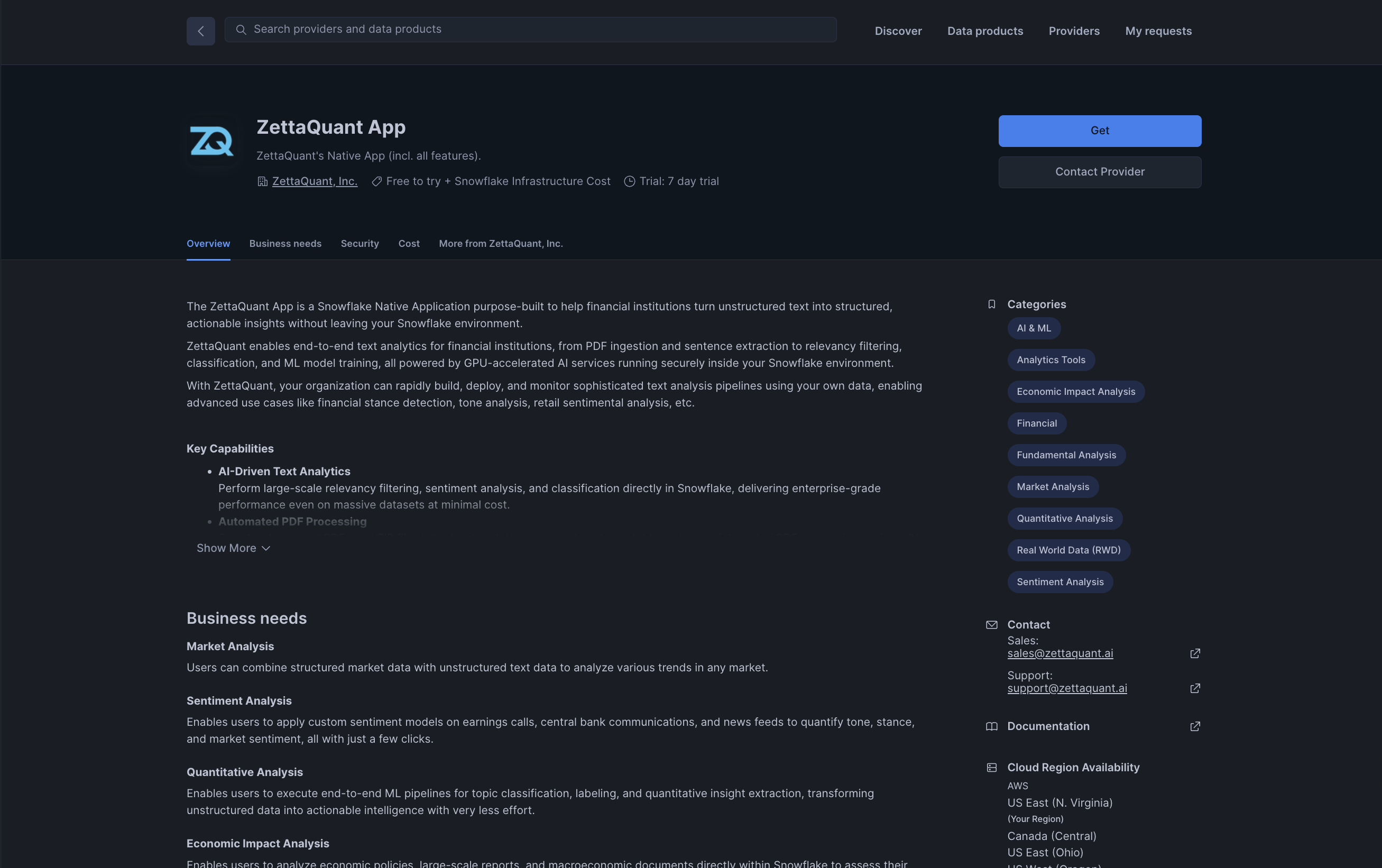
Browse and locate the ZettaQuant app in the Snowflake Marketplace
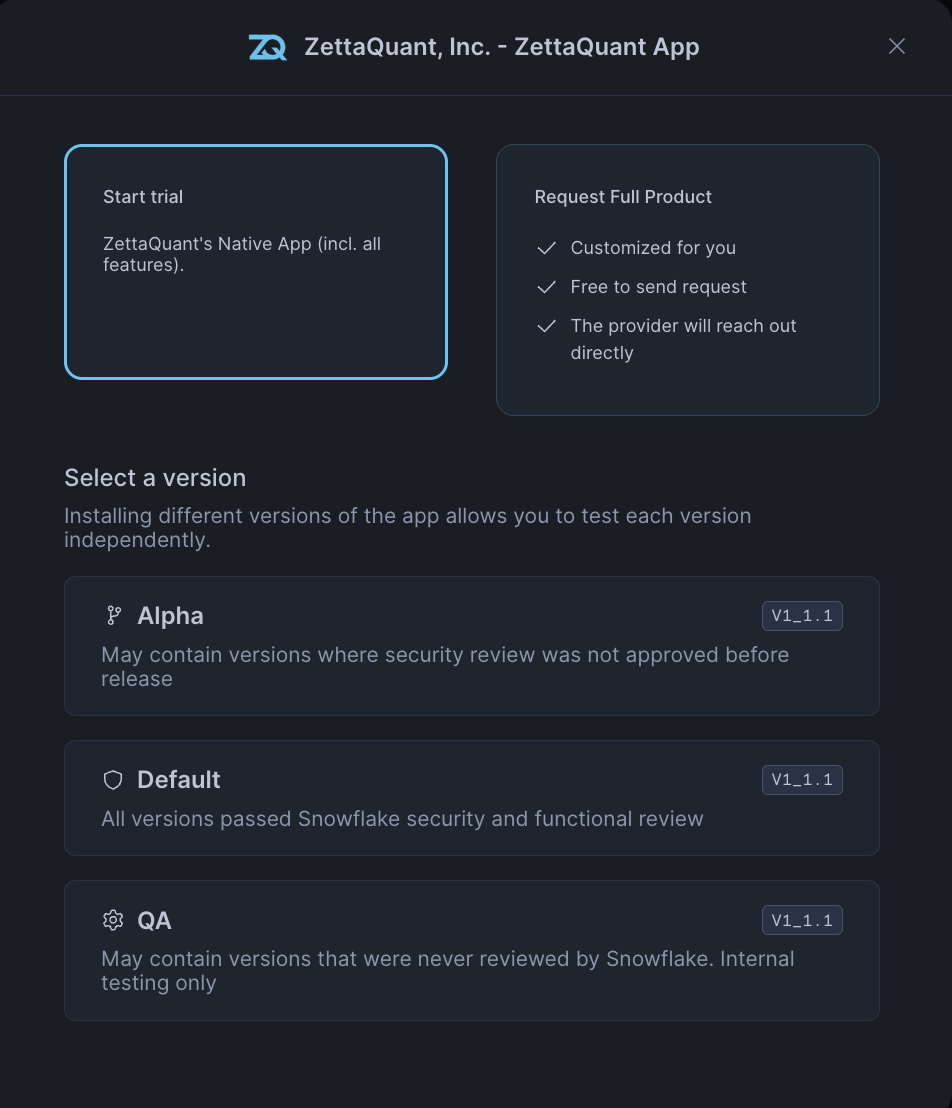
Initiate your trial to begin using ZettaQuant features
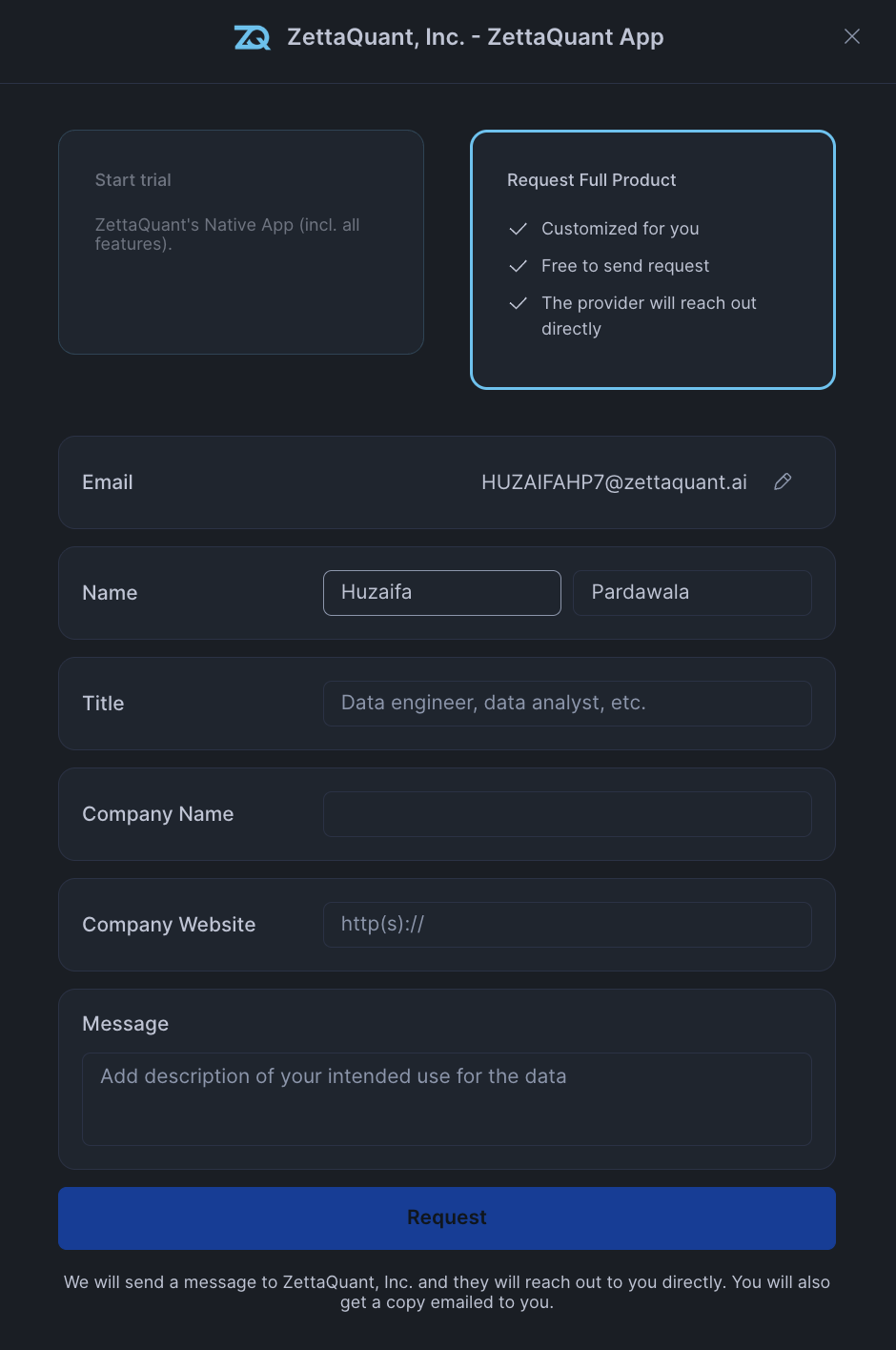
Request access to the complete ZettaQuant product suite
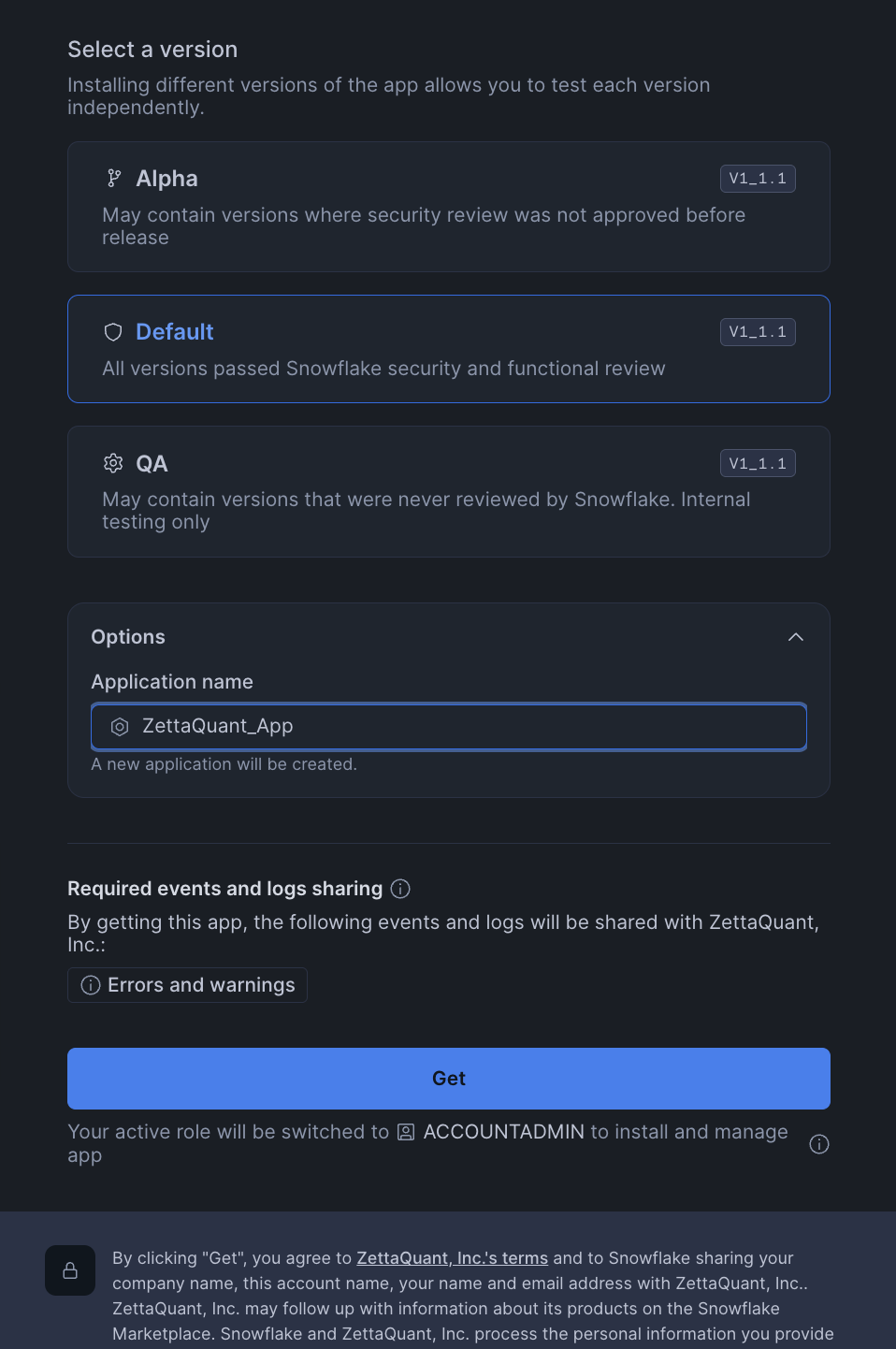
Select your preferred installation channel for the app
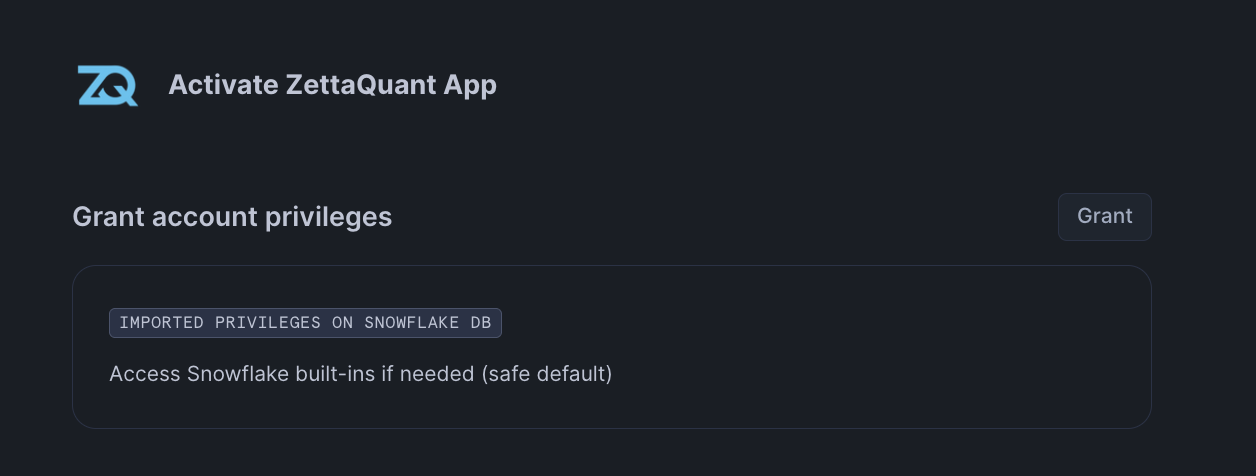
Grant necessary privileges for the app to function properly
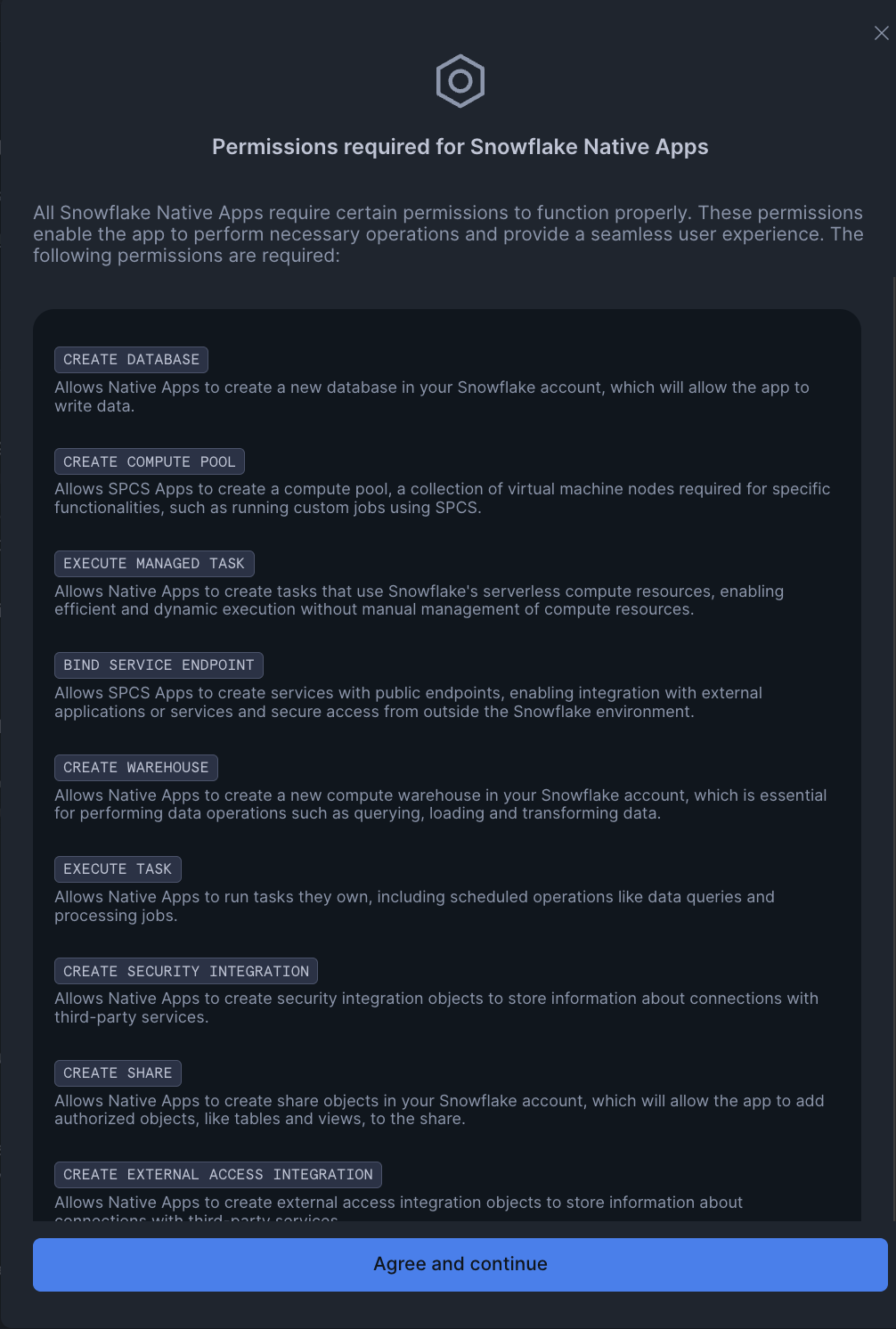
Review and confirm the required permissions for installation
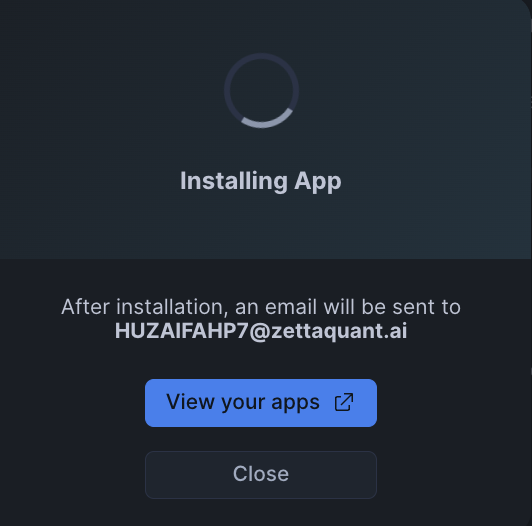
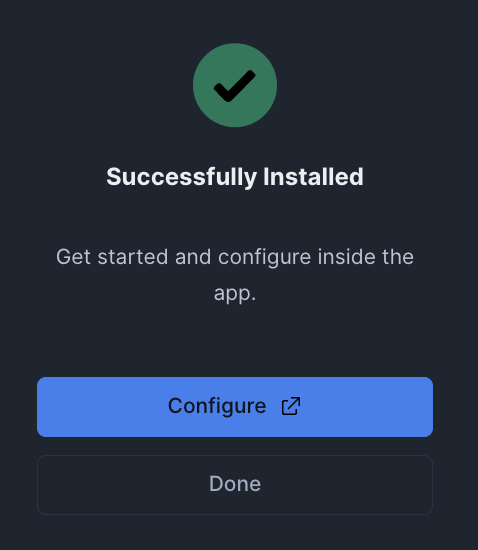
Wait for the installation process to complete and confirm successful installation
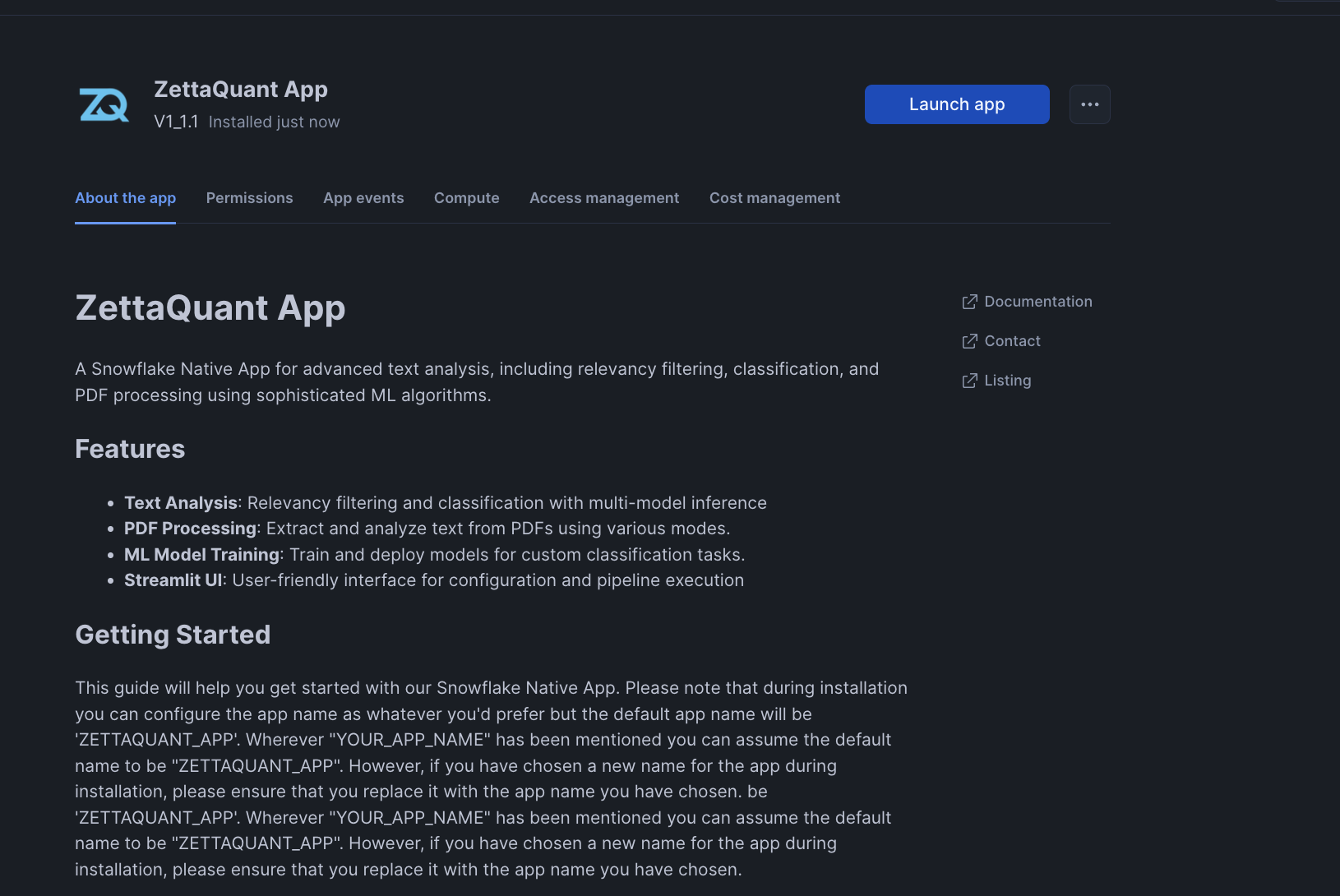
Landing page displayed after successful installation
During installation, you can configure the app name as whatever you prefer, but the default app name will be ZETTAQUANT_APP.
Important: Wherever "YOUR_APP_NAME" is mentioned in this documentation, you can assume the default name to be "ZETTAQUANT_APP". However, if you have chosen a custom name for the app during installation, please ensure that you replace it with your chosen app name.
Next Steps
After installation, proceed to:
- Data Access Grants - Configure permissions for your data
- Data Configuration - Set up your data sources
- ZQ Classify - Configure the analysis pipeline